Launching the Merchant Portal


Building a webapp for omnichannel order management
B2B0 → 1ProjectsDashboardMulti-CurrencyMultilingualWeb/Mobile
Team
Dashboard Team
3 Devs + 1 PM + 1 Designer
Role
Senior Product DesignerStatus
LiveShipped in
2023
Orders & details
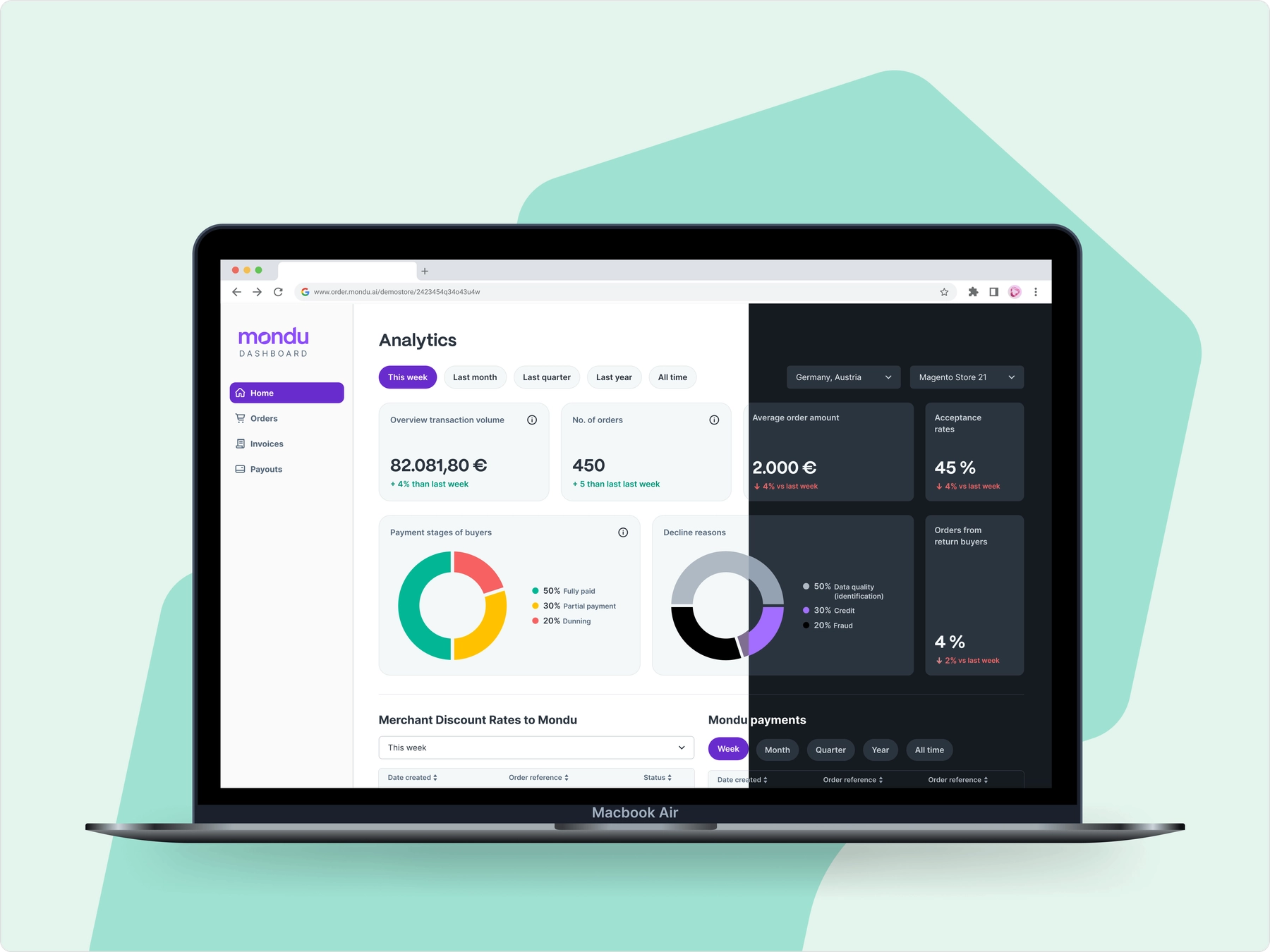
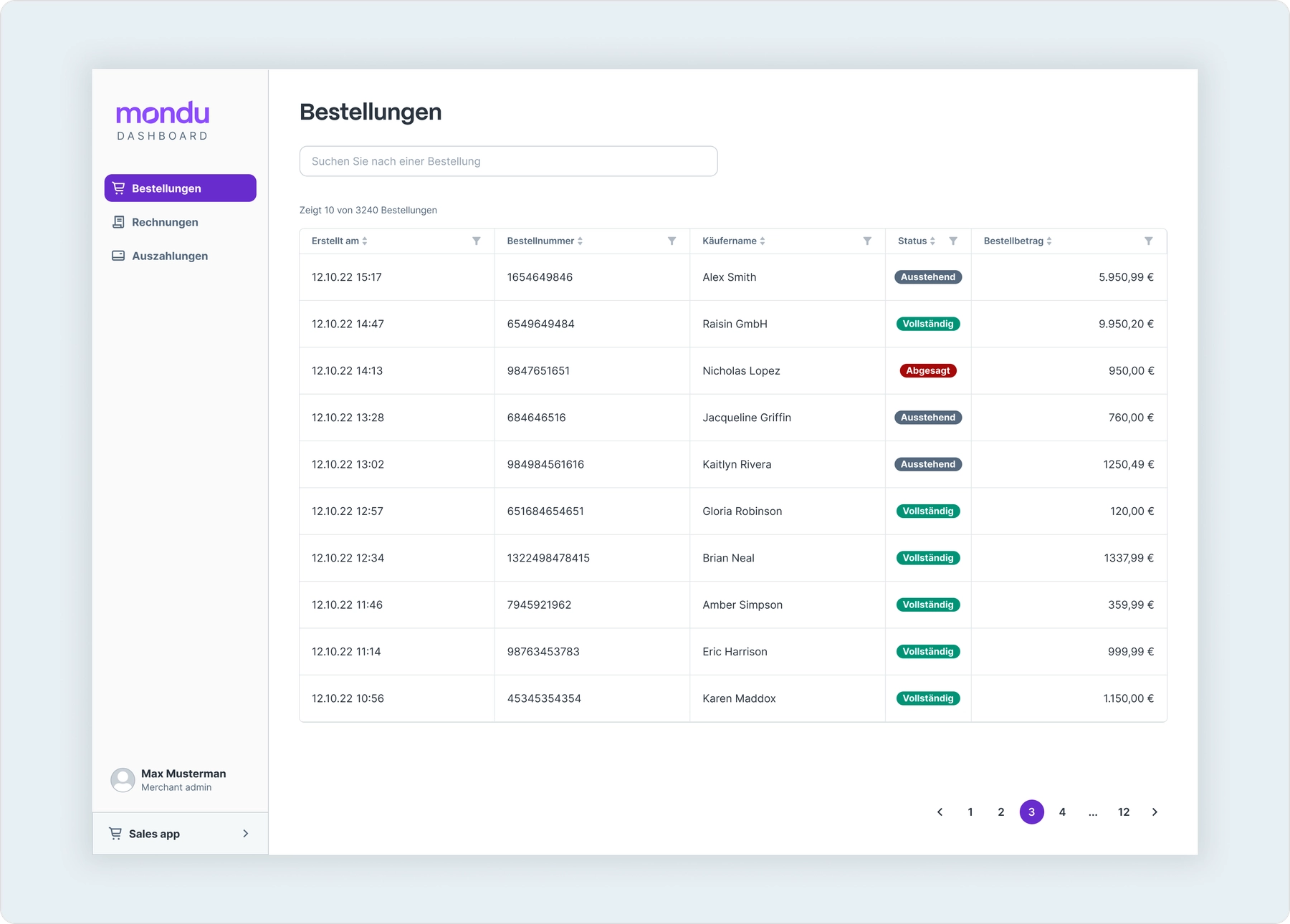
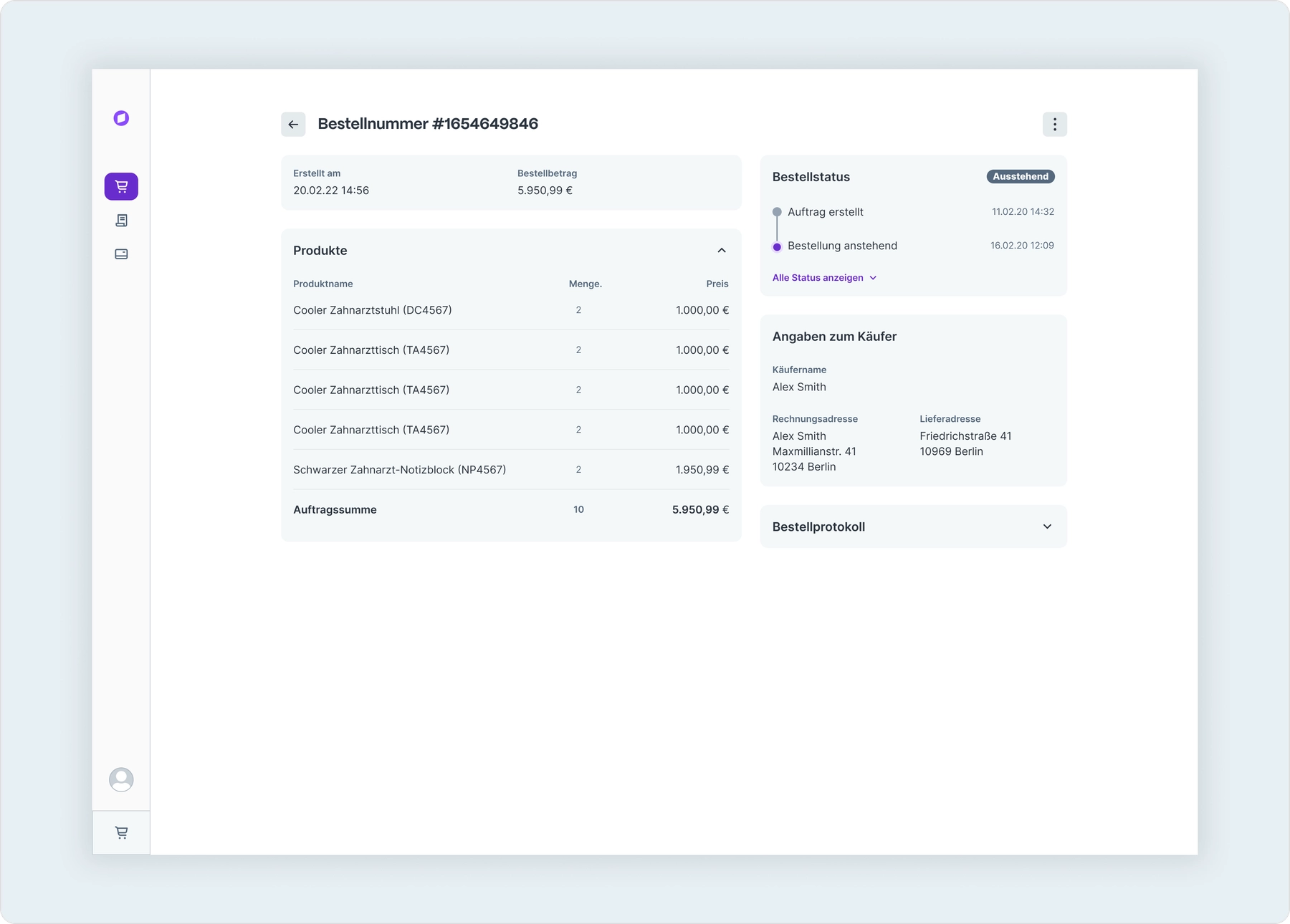
We started with orders for the seller's dashboard - A place to view all the orders placed with Mondu - Online and In-Store. Upcoming pages are invoices and payments, and their details respectively.



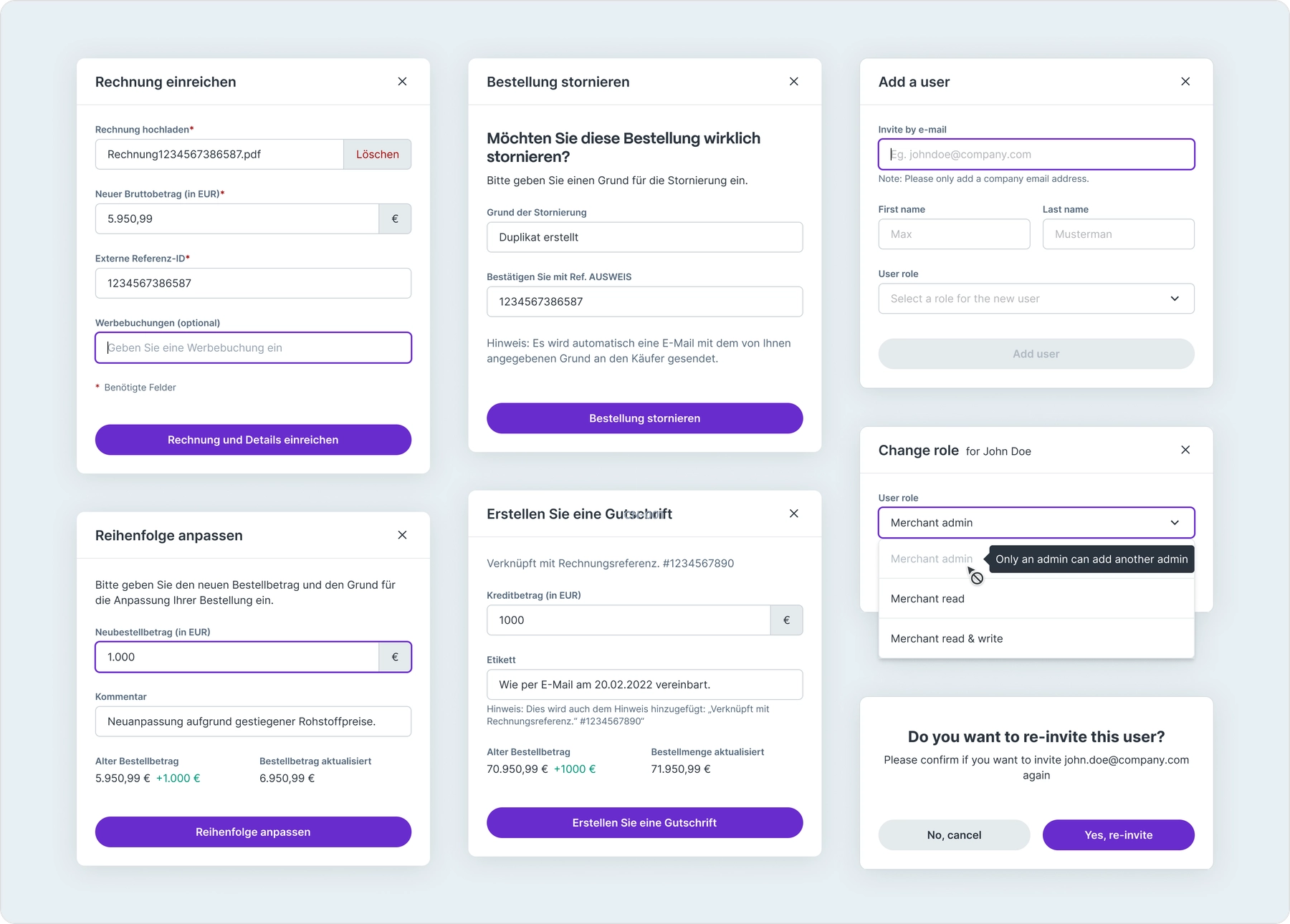
Offline Sales App
The Merchant portal also contained an Offline / In-store Sales App aka MonduSell where sales agents created Mondu orders in their physical store.

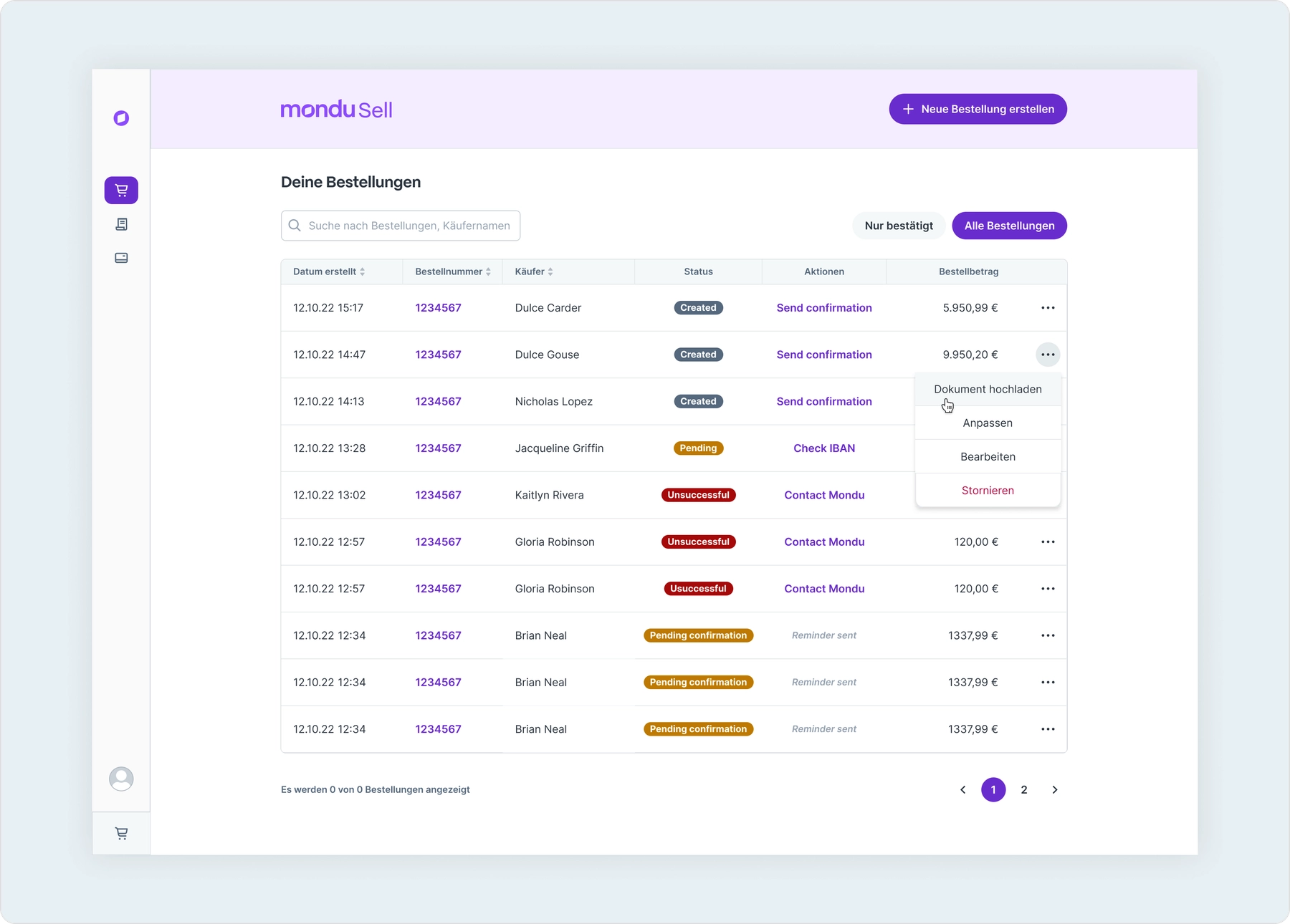
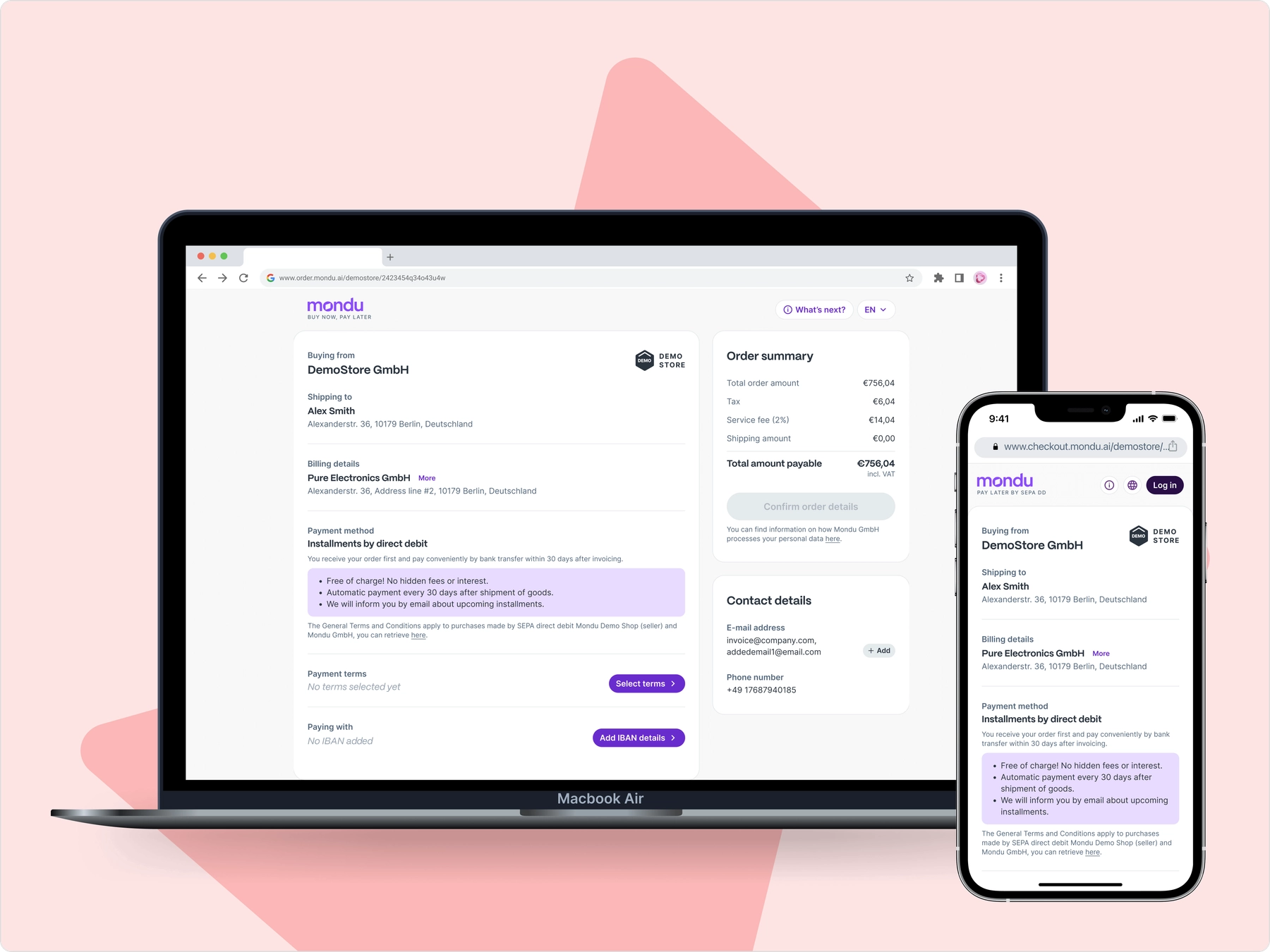
Once the "offer" is created, there is a confirmation email sent to the buyer. This confirmation opens in a browser showing all the details. The buyer confirms the offer and it becomes an "order". These actions can also be seen in the Orders page above.
Order creation
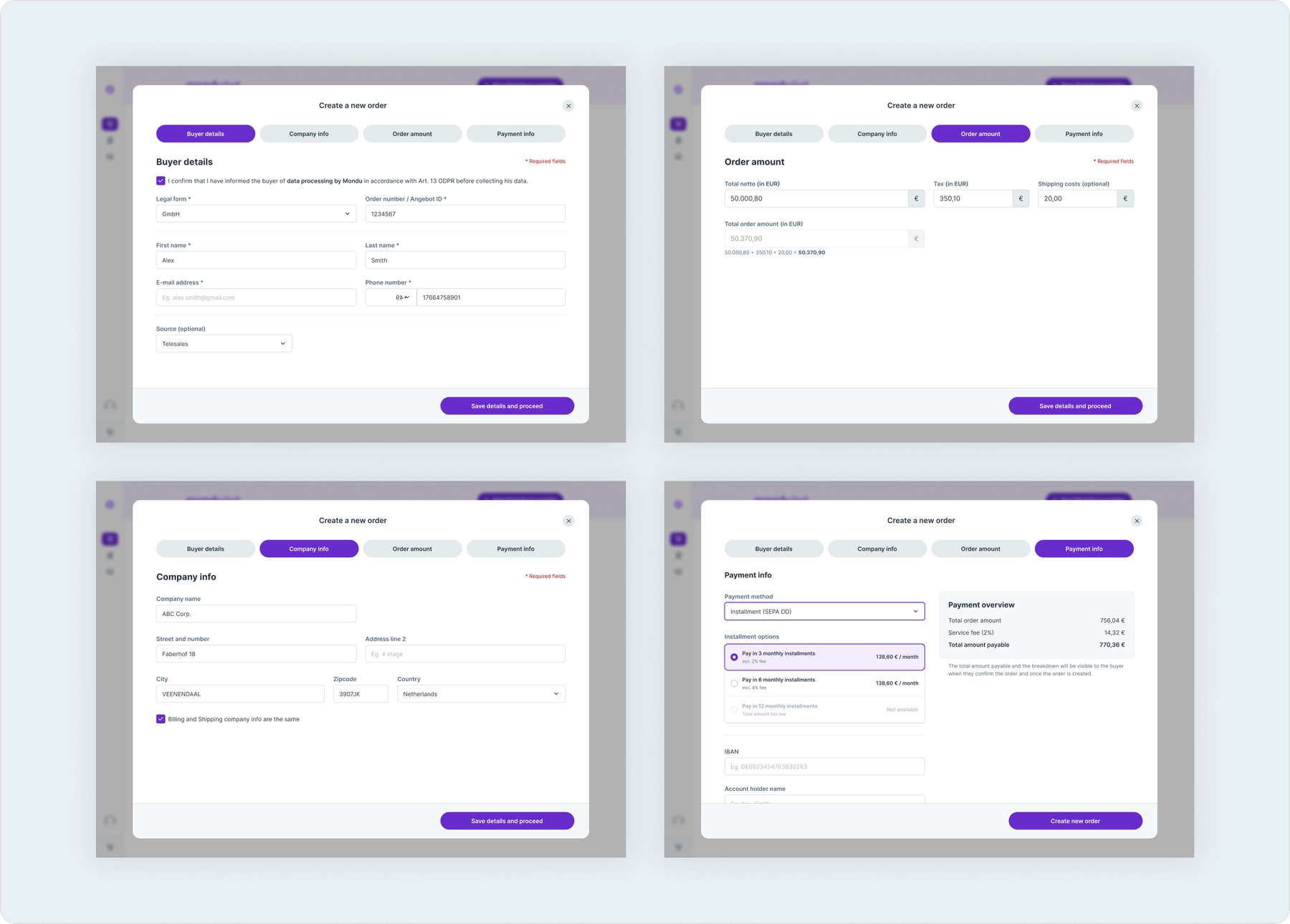
To create an order on MonduSell, the buyer's personal and business information needs to be entered, followed by the order details and the payment information. We created a large modal that provided sufficient space and tabs that organised the details required.

The buyer confirmation screen is the same as the Hosted Checkout Page (see Payment Interfaces) which is reused to show the order details in MonduSell.
Next project
Optimizing payment interfaces
Conversion optimisation for widget & hosted checkout
B2B2CPaymentsMultilingualWeb + Mobile
Read more