Automations for a streamlined client creation process


Increasing efficiency by reducing time & effort in client onboarding
Back-Office DashboardWeb (Desktop)
Team
Tooling Squad
4 Devs + 1 PM + 1 Designer
Role
Designer (Solo)Status
LiveShipped in
2025Overview
Upvest is an investment API infrastructure used by big FinTech names like Revolut, N26, SumUp, Shares, Bunq, Ginmon, Liqid, and so on.
Upvest's customers are also called Tenants. And with multiple customers in the pipeline, the time taken for the Client Experience (CX) team to onboard a client had to be reduced. As the first step, the Tooling team worked on ways of making tenant configurations better.
Driving it on the design side, I suggested working on the configurations over creating a wizard for this iteration. Because based on the user interview + shadowing session, my PM and I saw that the configs were taking most effort and time. And since it was mostly idle tasks, we can focus on creating the automations first.
Situation
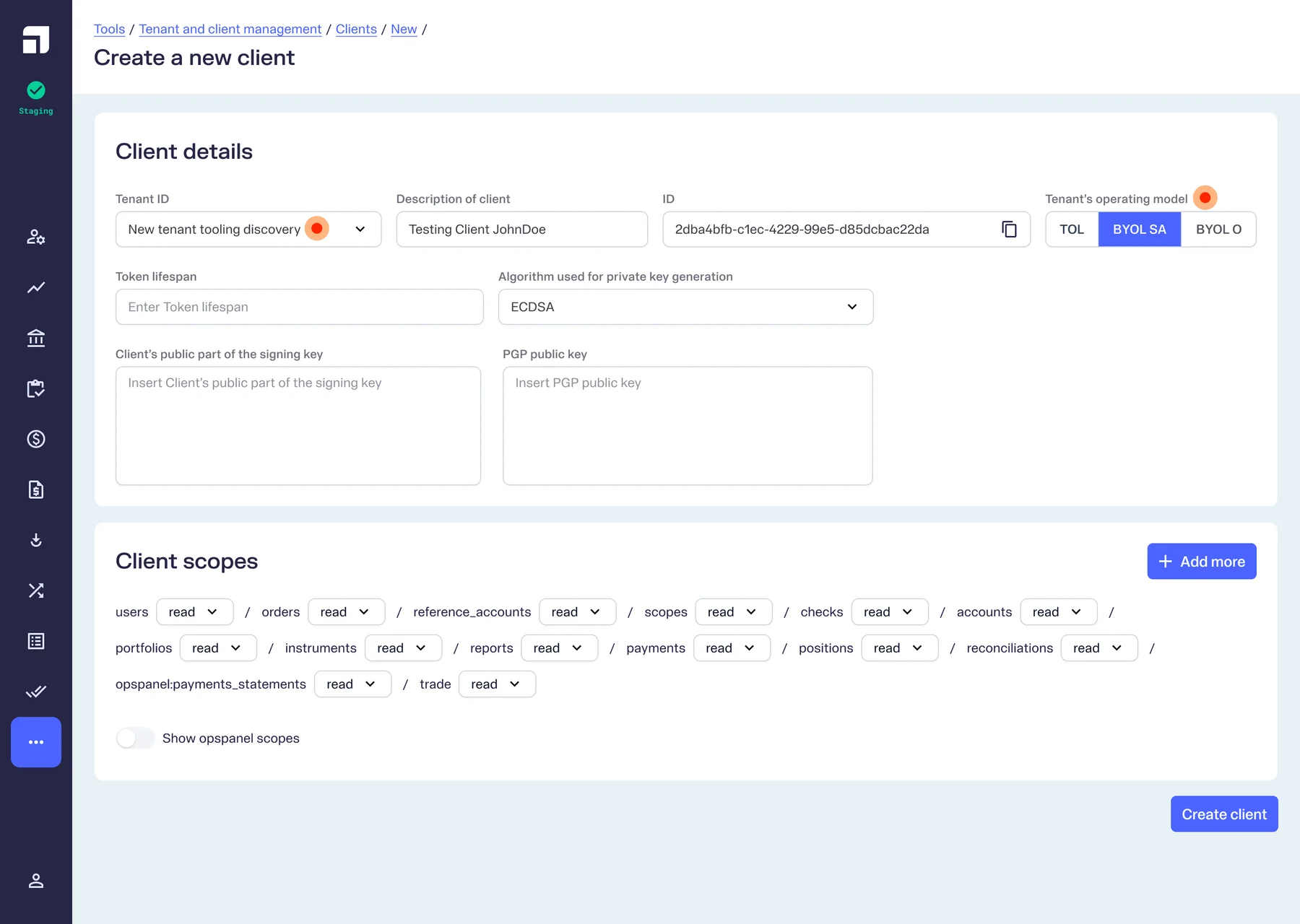
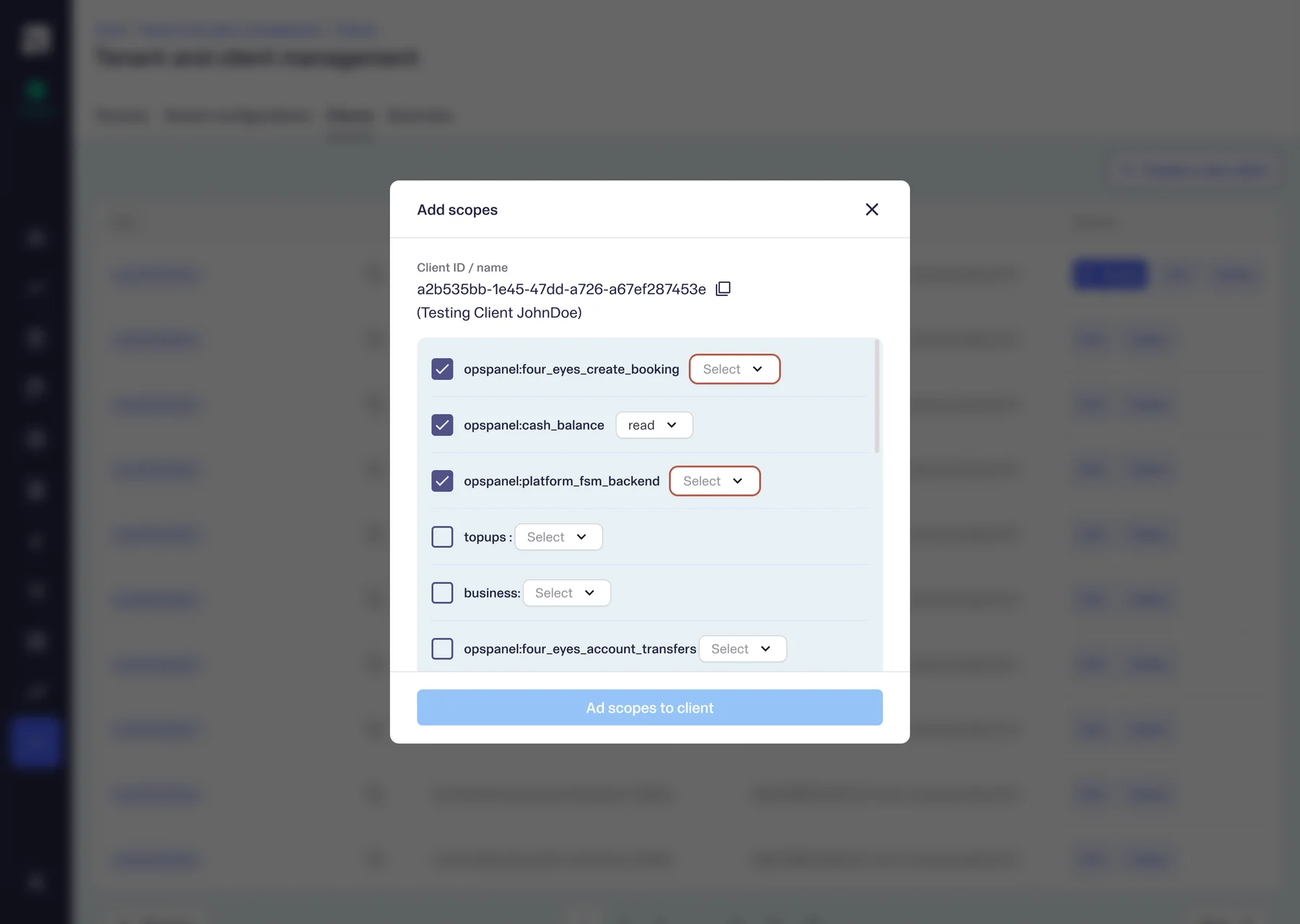
Client Experience (CX) uses the back-office to create a tenant and adds configurations based on the contract details and allows access like read/write for the tenant's data internally and externally. Tenants can contain multiple "clients" internally and client configurations were also improved as a part of this initiative.
Configurations were tracked in an excel sheet first, based on the contract created for the tenant. And once a tenant was created, the configurations were to be added later based on another already-created look-alike tenant. The agent working on it had to look at the reference tenant and manually turn on or off configurations.
Hurdles crossed
Overwhelming fields
To add a tenant and create clients under the tenant, it takes an agent to click over 50 buttons and type into 50 more fields. The challenge was to automate as much as possible, but also to cleanup the structure of the page.
Complex configurations
With very many terms and jargons related to AML, data privacy, cash collection, etc., it was very important to stay afloat and not feel overwhelmed while solving for something as complicated as the tenant configurations.
Design Improvements
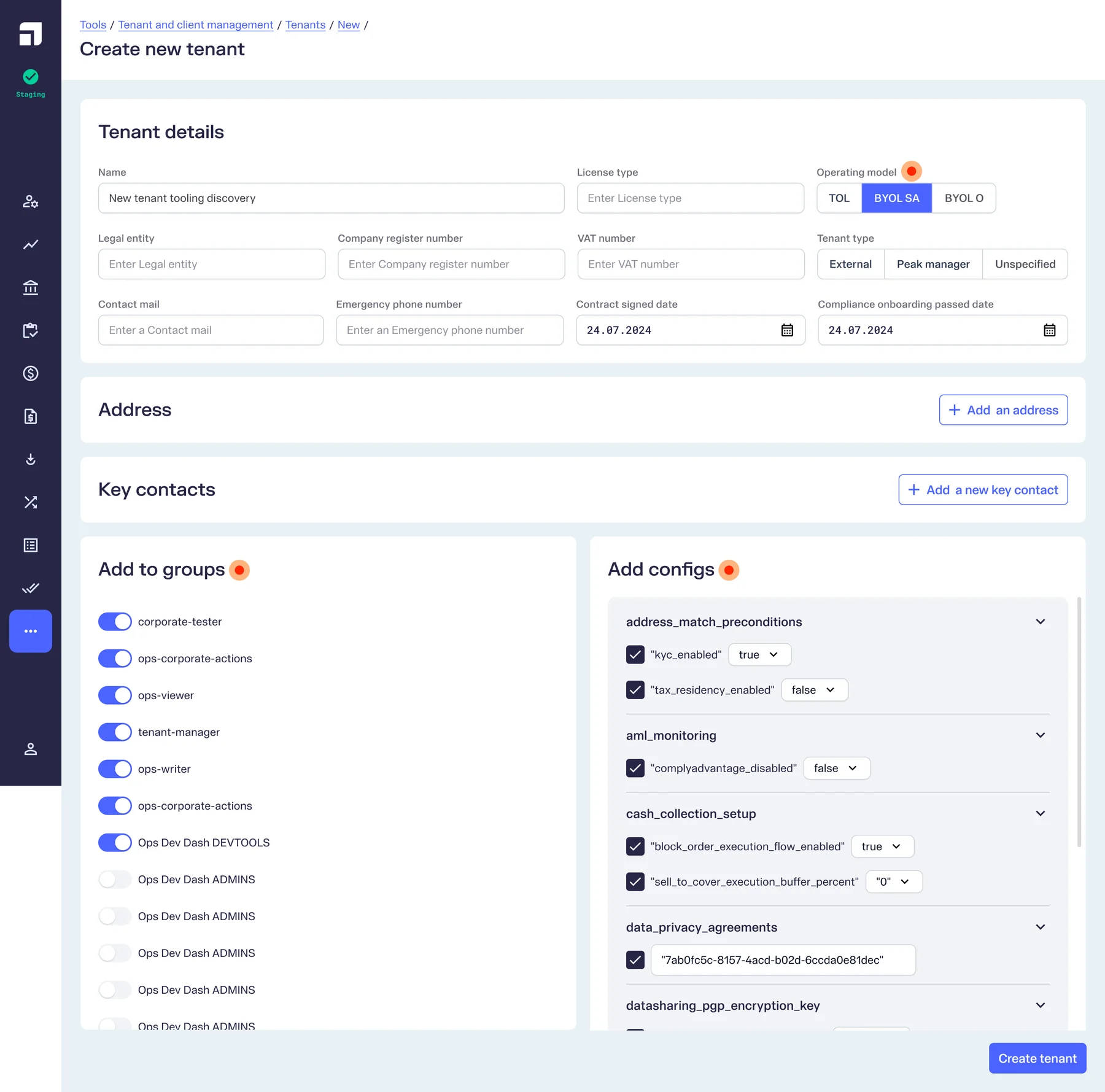
Automate Configurations
One obvious-looking improvement that we wanted to implement was to auto-configure most fields based on the License Type and the Operating Model of the entity. So we acquired a sheet from the CX team which contained all the configs and bundled the actions to be automated on one click.

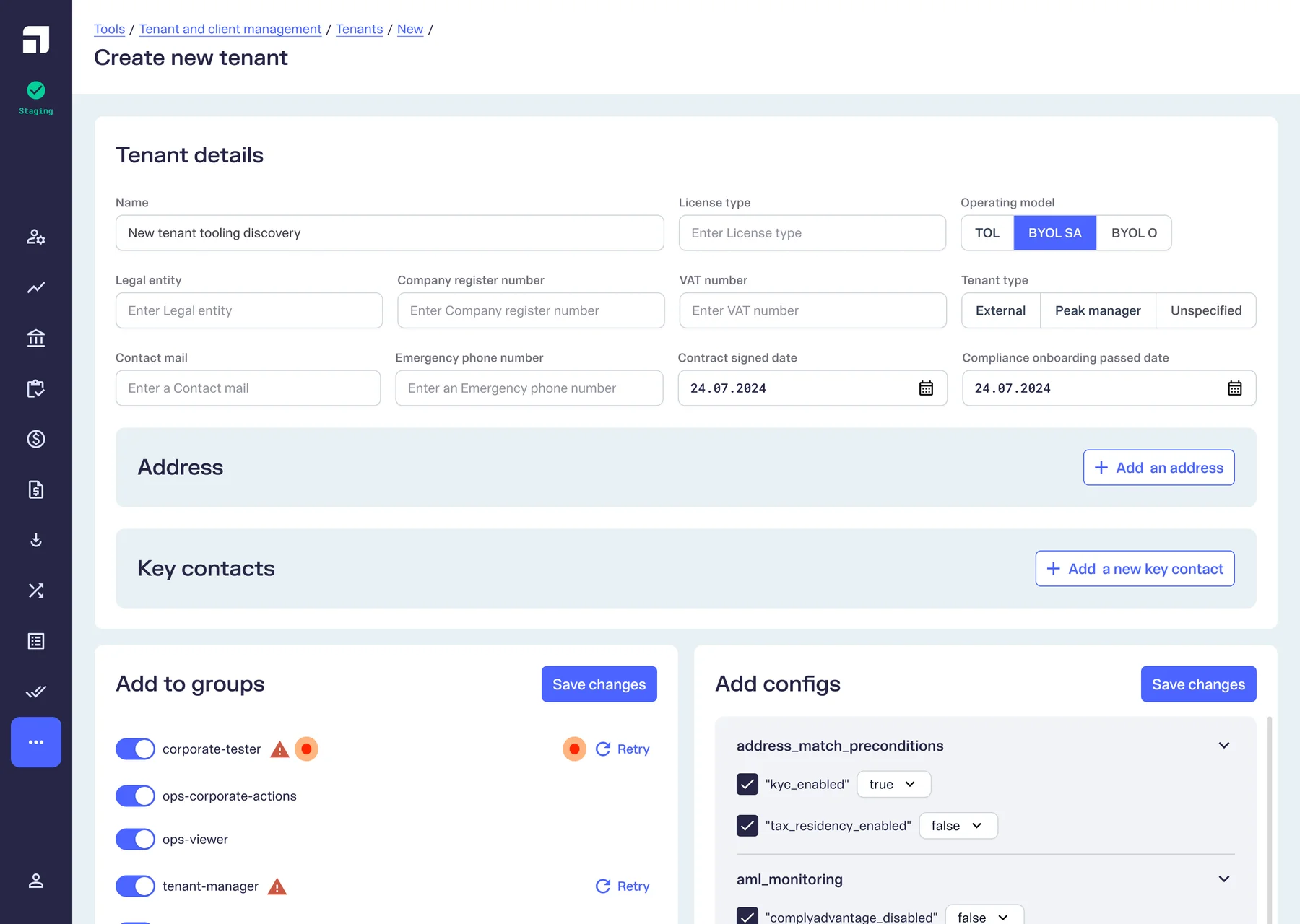
Design For Failure
Instead of stacking multiple alerts, the error is communicated more locally so it's easy to be acted upon.

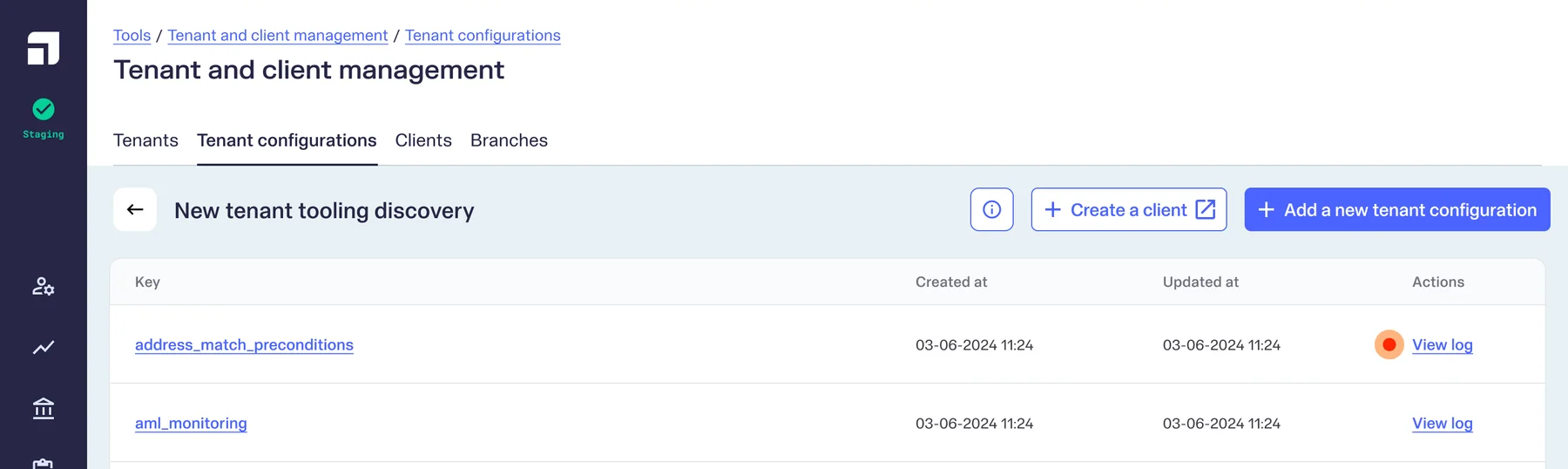
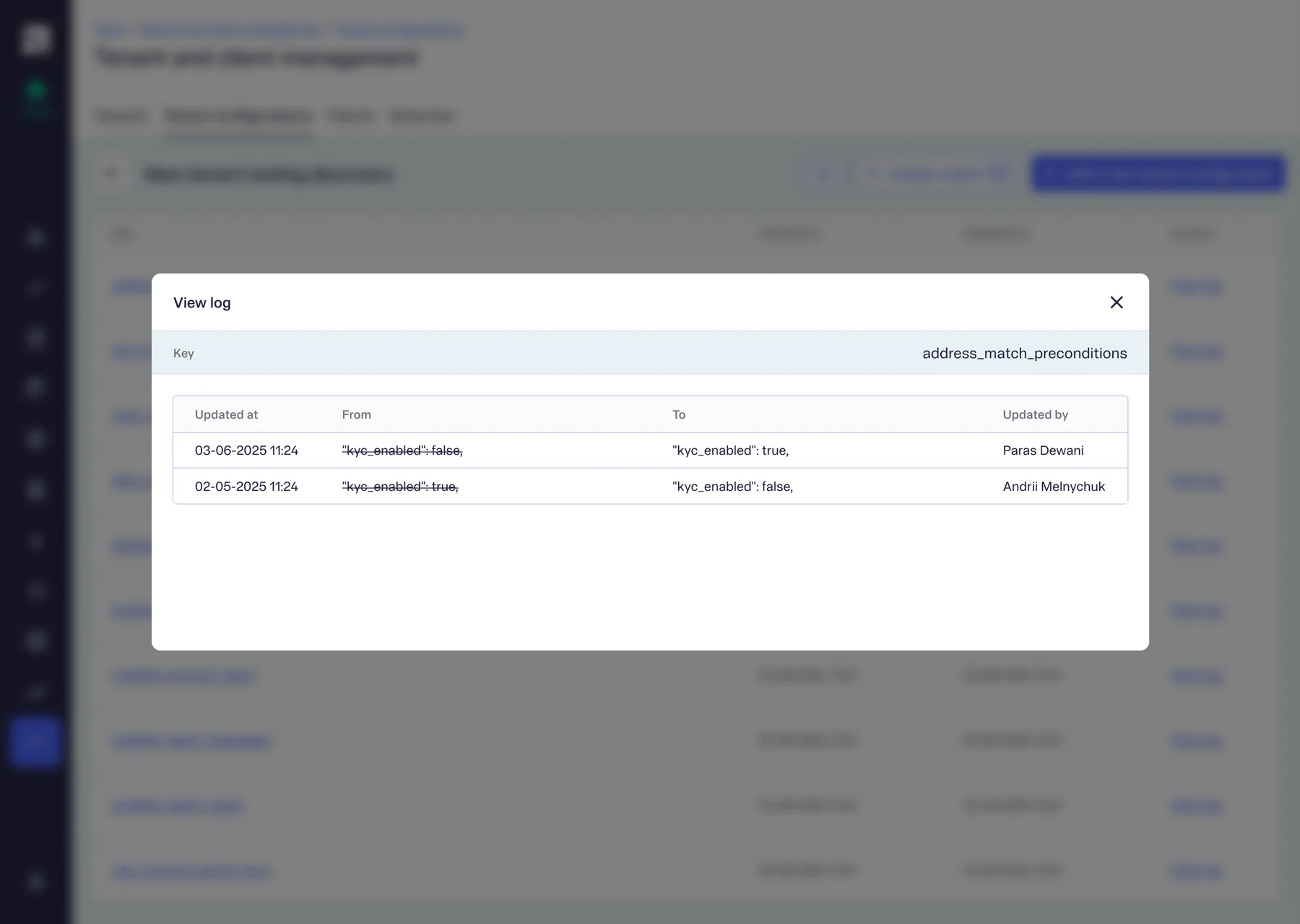
Track Changes
Another important feature request was to log the changes done by the team, in order to maintain a history of the changes.


Cascade Automations
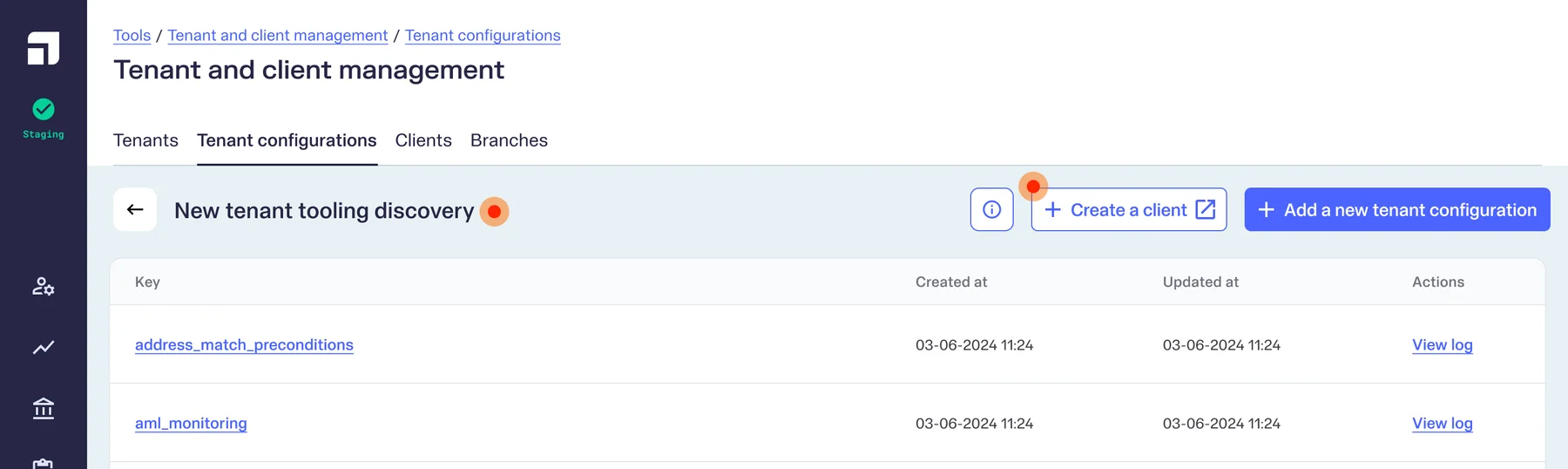
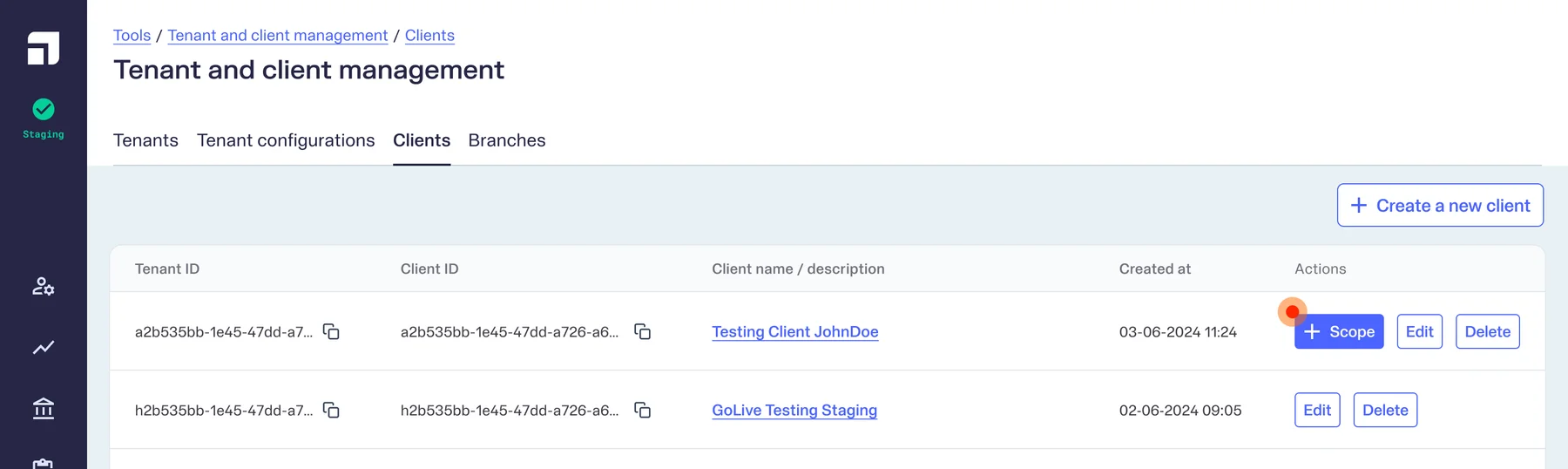
Once the tenant was successfully created, the next step was to create clients and add scopes to the client. So the more natural flow I suggested was to take the agent to the tenant details wherefrom they can directly create a client.




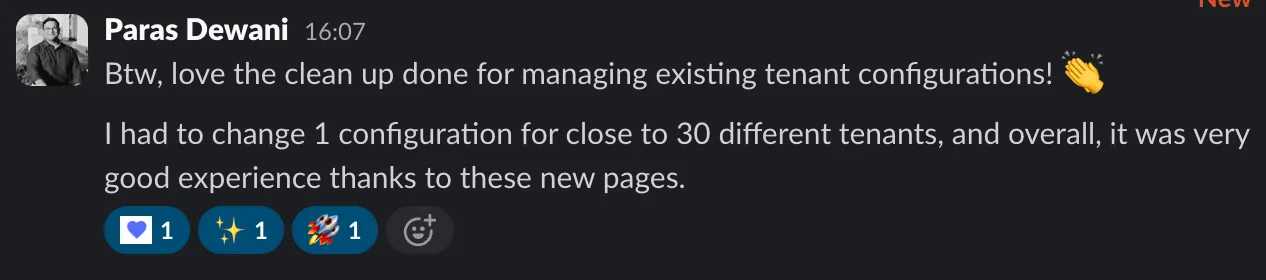
Outcome

Next project
Launching the Merchant Portal


Building a webapp for omnichannel order management
B2B0 → 1 ProjectMulti-lingual
Read more